Order printing for live sellers
Still writing orders
on paper tape by hand?
Just tap.
Tap an order in your live chat and a sticker with the order number, nickname and item prints right away. No more missed orders while you scribble.
Free for 30 days during the test · We never collect customer names, phone numbers or addresses
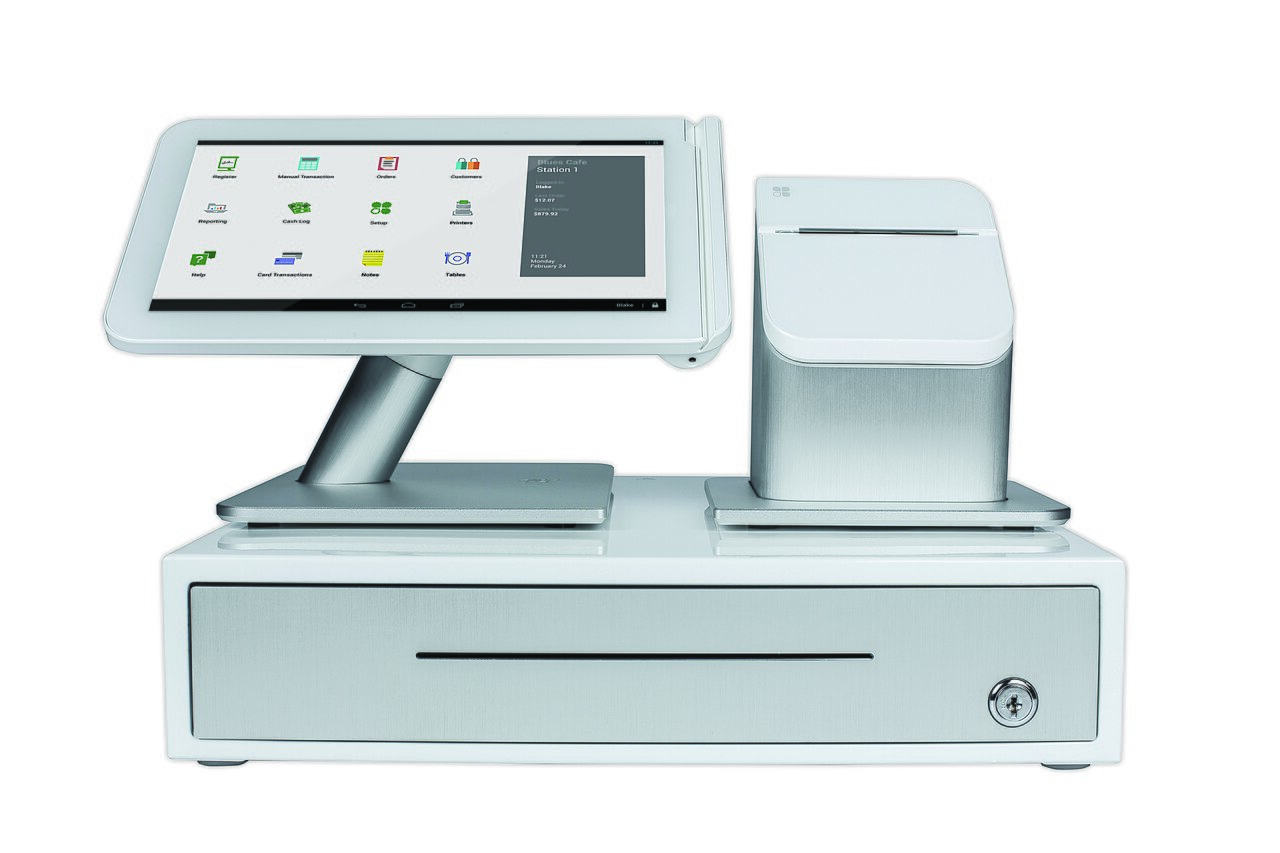
Sound familiar?
The live ends, but the work does not
The chat moves too fast and I miss orders
Writing by hand makes it hard to focus on your broadcast.
I mix up nicknames and items
Hurried handwriting is hard to read again when packing.
I have to sort it all out after the live
You need to match who ordered what, all over again.
So we built this.
Tap the chat. Done.
Getting started
Just three steps to start
The hard setup happens once, and we help you through it.
Sign up with your code
Enter your test code, email and a password. That is all it takes.
Connect your printer
Pick the printer you use. If it is hard, we set it up with you remotely.
Go live and press connect
Start your live and press [Connect chat]. Orders appear on screen.
How it works
During the live, you only tap
Setup happens once. After that, go live as you always do.
Start your live
The chat shows up on the PopOrders screen as it happens. Messages that look like orders are highlighted.
Tap an order message
Tap a message like "a1 x2". Skip anything that is unclear.
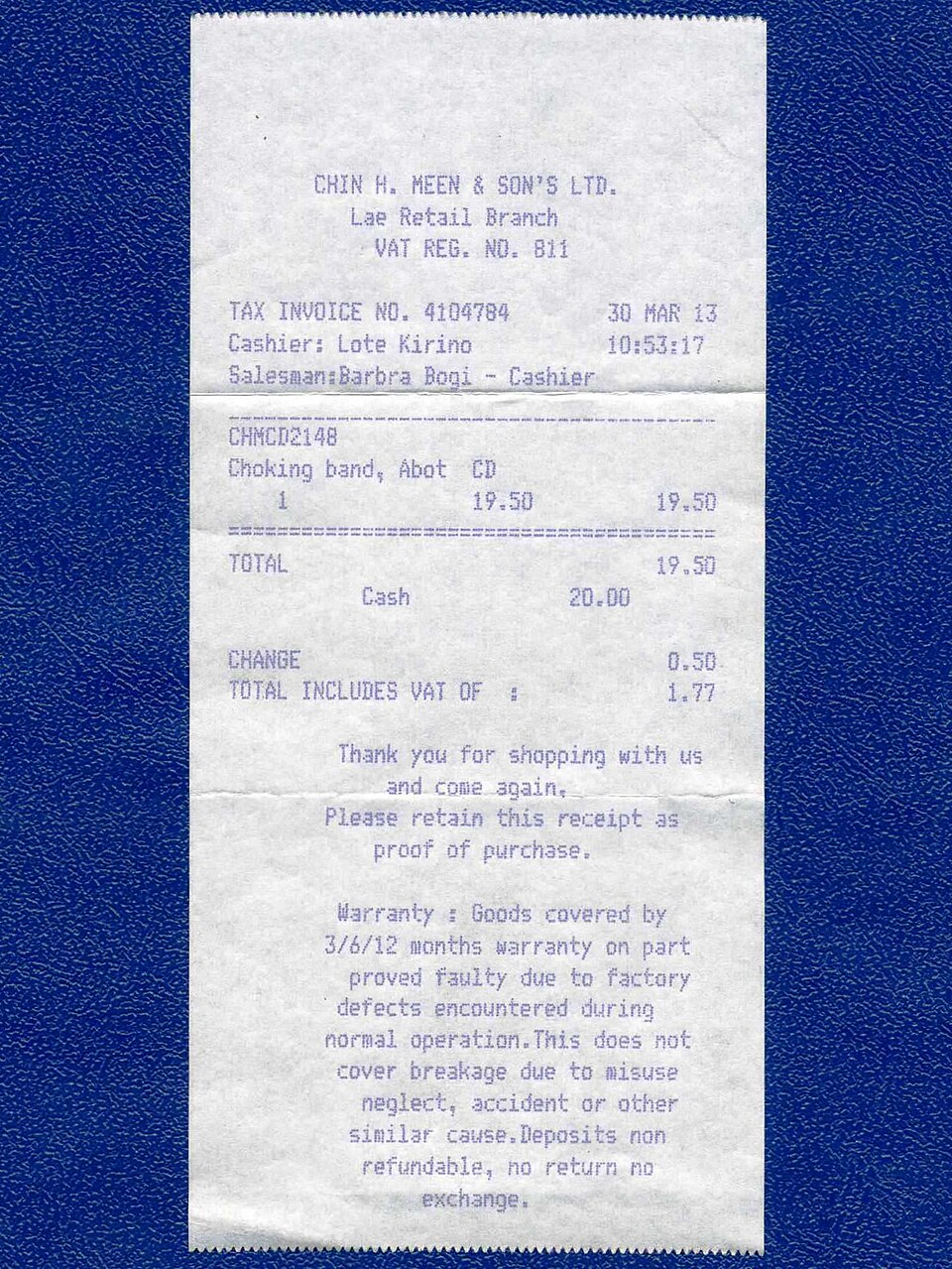
The sticker prints
Order number, nickname and item are printed. Stick it on the package and you are done.
Compare
How it differs from writing by hand
Writing by hand
- You miss orders when the chat speeds up
- Handwriting gets wrong or hard to read
- You must sort everything out after the live
PopOrders
- Tap a chat message and it prints
- Number and nickname print clearly
- An order record is kept automatically
Features
Only what you need, built solid
We start with a simple screen focused on printing. Need more? Ask and we will open it for you.
Print with one tap
Stickers or receipts with order number, nickname and item come out instantly.
Paper and sticker sizes
Pick the size of your paper and the text fits automatically.
Inventory link On request
Connect product codes and stock so quantities follow your orders.
Customer records On request
Track orders and returns by nickname and flag customers to watch.
Many languages
The screen is available in 6 languages, including English.
Minimal personal data
We do not collect customer names, phone numbers or addresses. Only nicknames and order text.
Details
Everything you want to know before you use it
The questions sellers usually ask, in one place.
From signup to your first print
You set it up once. At first, we do it together.
- What you need: a Windows PC, a thermal receipt printer and paper
- No password for your live account is needed
Connecting your printer
You install a small program once on the PC that the printer is plugged into. A simpler connect screen is in progress.
- USB and LAN printers are supported
- If it does not work, tell us the model name on the bottom or back of the printer
- If it is hard, we set it up with you remotely
Fits the paper you use
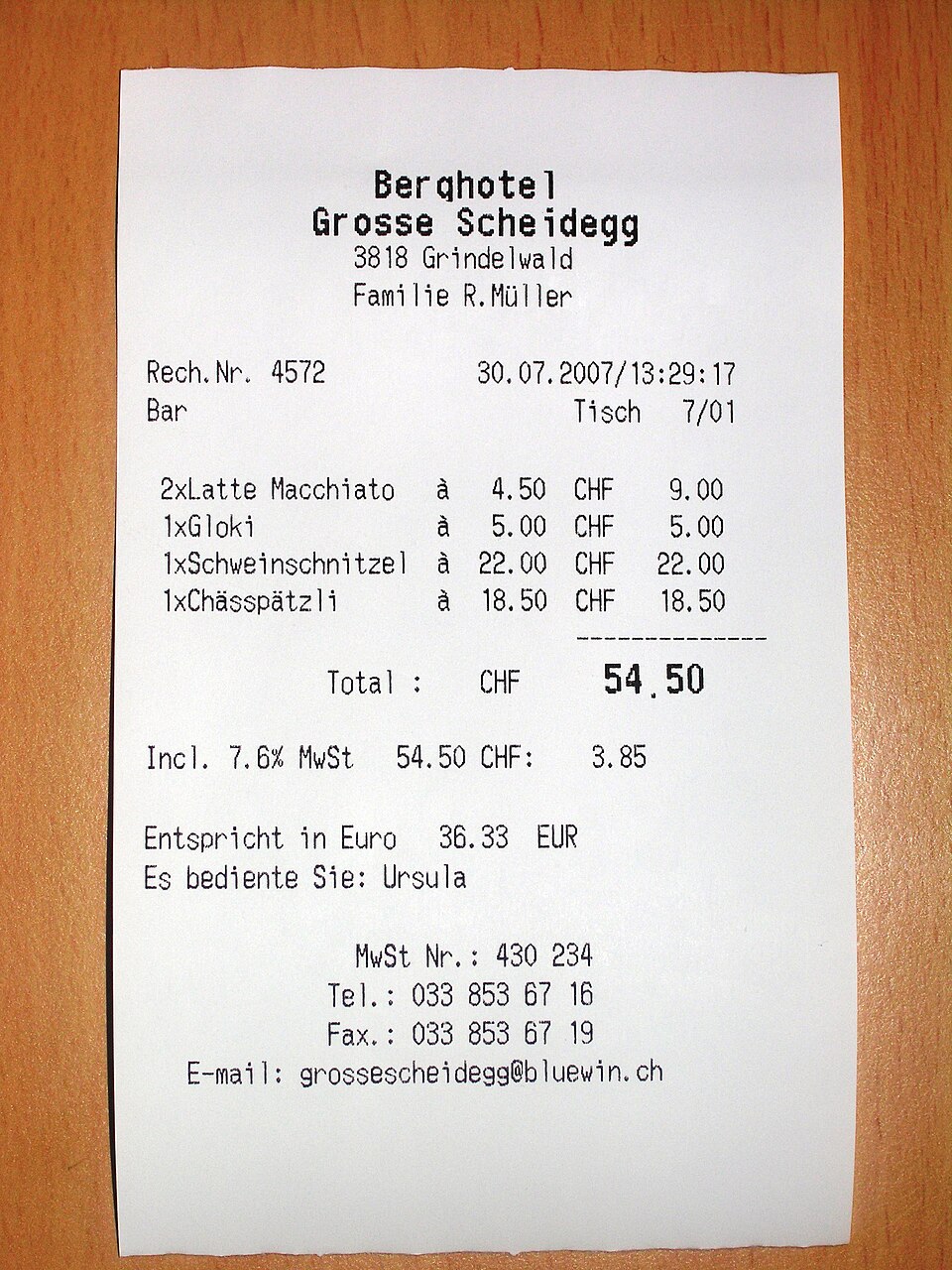
Receipt rolls, adhesive stickers and shipping labels: choose the size and the text fits inside.
| Receipt printer | 80mm / 58mm rolls |
| Stickers | Adhesive rolls (choose your size) |
| Shipping / label printer | Set the label size (in testing) |
| Text size | Adjusts automatically to the paper |
Features you open when you need them
You start with a simple print-only screen. If you want more, ask us and we open it after checking.
- Inventory: link product codes and quantities from a spreadsheet
- Customer records: order and return counts by nickname
- Flags for customers to watch (such as frequent returns)
- View your order history
We use only what we need
We handle seller and customer information as little as possible.
- We do not collect customer names, phone numbers or addresses
- We use only chat nicknames and order text
- We never ask for your live account password, and we only read the chat
- You can reissue the printer connection code any time to block the old one
Roadmap
Built with seller feedback
This is a direction, not a fixed schedule. The order changes with what we hear in the test.
Available now
- Live chat to tap-to-print
- Receipt and sticker size settings
- Customer records by nickname
- Screens in 6 languages
- Server and printer connection status
- Switch to a new live ID if your account changes
In progress
- Simple printer connect screen
- Auto-connect when your live starts
- Spreadsheet export for shipping
- YouTube Live (connected on request)
- Facebook and Instagram Live (after review)
Under review
- Store customer contacts only on the seller PC
- Tidy messenger order text you paste
- Courier integration
- Separate printing for several staff and printers
Test sellers wanted
Use it free for 30 days and tell us honestly what is inconvenient.
When you join
- 30 days free from the day you sign up
- We help you set up remotely the first time
- You hear first when we launch
- Send feedback easily with the in-app [Send feedback] button
FAQ
Frequently asked questions
How much does it cost?
The test is free for 30 days. We will set the regular price based on test feedback and tell participants first.
Is setup difficult?
The first time, we set it up with you remotely (about 20 to 30 minutes). After that you just turn it on and use it.
Which printers work?
Thermal receipt printers (USB or LAN). Tell us your model and we will check that it works.
What if something goes wrong during a live?
We watch the first few lives with you. If anything happens, contact us right away. You can also see the server and printer connection status at the top of the screen.
Is my live account at risk?
We never ask for your password and we never log in to TikTok. We only read the chat that appears under your live ID. We do not post comments or anything else for you.
My live account was banned and I made a new one. Can I keep using it?
Yes. Change your live ID to the new one in settings and carry on. Your order records and settings stay in your PopOrders account.
Can I use several platforms (TikTok, YouTube, and so on)?
The default is one live platform. Ask us if you need more. YouTube is connected after we check, and Facebook and Instagram are in preparation.
Can staff use it with me?
One account can show the same chat on several PC and phone screens, and printed orders are marked on the other screens too. Splitting printers per person is in preparation.
What works today?
Printing from chat orders is the core. Inventory, customer records and shipping spreadsheets are being prepared with your feedback. Ask if you need them.
We are looking for sellers to try it first
We take sellers in the order they join. Use it and tell us what is inconvenient.
Sign up for the test